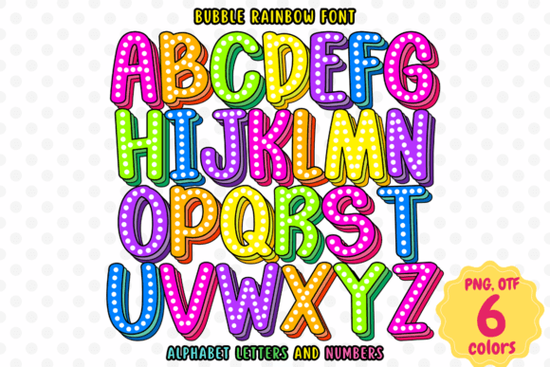
If you are looking for a way to add instant playful energy to your graphics without spending hours on manual lettering, the Bubble Rainbow Font is a practical solution. This typeface uses OpenType-SVG technology to automatically apply vibrant, multi-color gradients to every character. Instead of coloring each bubble letter by hand, you simply type your text, and compatible software renders the full rainbow effect instantly. It saves time for crafters, print-on-demand sellers, and graphic designers who need eye-catching typography for quick turnaround projects.
What types of projects actually benefit from this style of typography?
Multicolor lettering works best when the goal is to grab attention quickly and convey a cheerful mood. Because each character already contains a built-in color scheme, it fits naturally into projects that target families, kids, or event planners. Common uses include children’s book covers, birthday party invitations, classroom posters, and handmade greeting cards. Small business owners selling custom apparel also find this style useful for summer collections, toy store branding, or playful product labels. You might also pair it with other handcrafted typefaces when building a full design system that needs to feel approachable and bright. The rounded, soft edges make it highly legible for younger audiences while keeping a polished look for professional print work.
Which design programs support this font out of the box?
Understanding file compatibility is the most important step before downloading any SVG-based typeface. This particular style runs on OpenType-SVG, which means the color data lives inside the font file itself. You will get clean, instant results in Adobe Photoshop, Adobe Illustrator, and certain desktop versions of Silhouette software. However, the standard OTF and TTF versions included in most font downloads will not display the rainbow effect in programs that do not read SVG color data. Important note: Cricut Design Space, Inkscape, and Silhouette Studio cannot render the color layers automatically. If your primary workflow relies on those tools, you will need to use a vector program first to convert the letters to outlines or save them as an SVG image before importing them into your cutting software. This extra step ensures your final cut matches exactly what you designed on screen.
How can I keep the colors accurate when printing or uploading to POD sites?
Print-on-demand platforms often compress uploaded artwork, which can slightly shift how gradient colors appear on the final product. To keep your bubble letters looking sharp, always design in RGB color mode first, then convert to CMYK only when preparing files for physical printing. Export your text as a high-resolution PNG with a transparent background if your platform does not support vector uploads. When working with apparel, test the placement size before ordering a bulk sample. Larger bubble letters tend to reproduce better because the gradient shifts remain visible and do not muddy together. If you are searching for similar Bubble Rainbow variations, always check the license terms before using them on merchandise. Most commercial licenses allow unlimited physical sales, but digital resale usually requires an extended agreement.
What common mistakes should I avoid when working with multicolor fonts?
Many beginners accidentally break the color effect by changing layer modes or applying heavy drop shadows that cover the gradient layers. The rainbow styling relies on clean, flat text layers. If your software shows the font as a single solid color, it usually means the program does not recognize the SVG color table. In that case, switch to a supported desktop application or export the text as a path from Illustrator. Avoid placing this typeface over busy background patterns, as the soft edges will blend into clutter and reduce readability. Instead, let it sit on solid pastel or white backgrounds where the colors can pop naturally. You can also explore other cheerful typography options to mix and match with this style for layered compositions.
Quick checklist before you start designing
- Confirm your design software supports OpenType-SVG before purchasing.
- Set up your document in RGB mode if you plan to print digitally or sell on print-on-demand sites.
- Export your final text as a high-resolution PNG or SVG vector to preserve gradient details.
- Avoid applying effects like drop shadows or glows that will hide the built-in rainbow colors.
- Test print a small batch on your chosen material to verify color accuracy before scaling up.
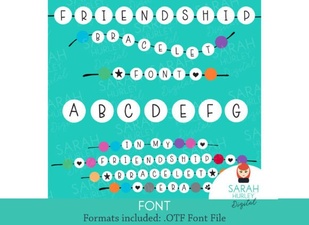 Free Friendship Bracelet Font for Craft Designs
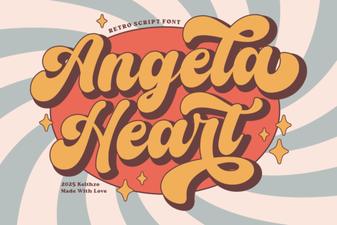 Angela Heart Font for Beautiful Crafting Projects
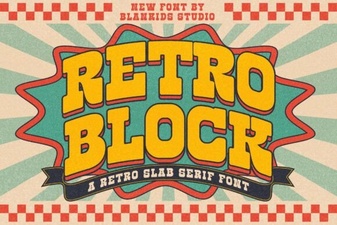 Embracing Classic Design with Retro Block Fonts
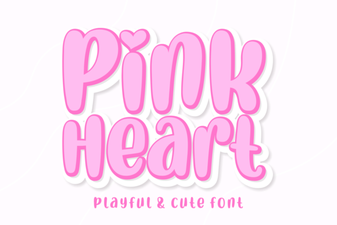 Pink Heart Font Ideas for Creative Design Projects
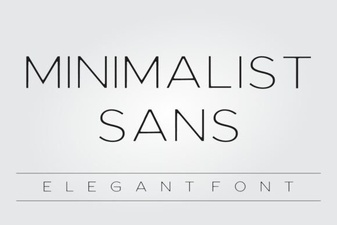 Clean Lines & Modern Projects: the Minimalist Sans Font Guide
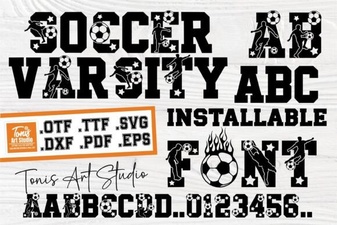 Ab Soccer Varsity Font for Sports Branding